How to Add Your Based Card to Apple Pay
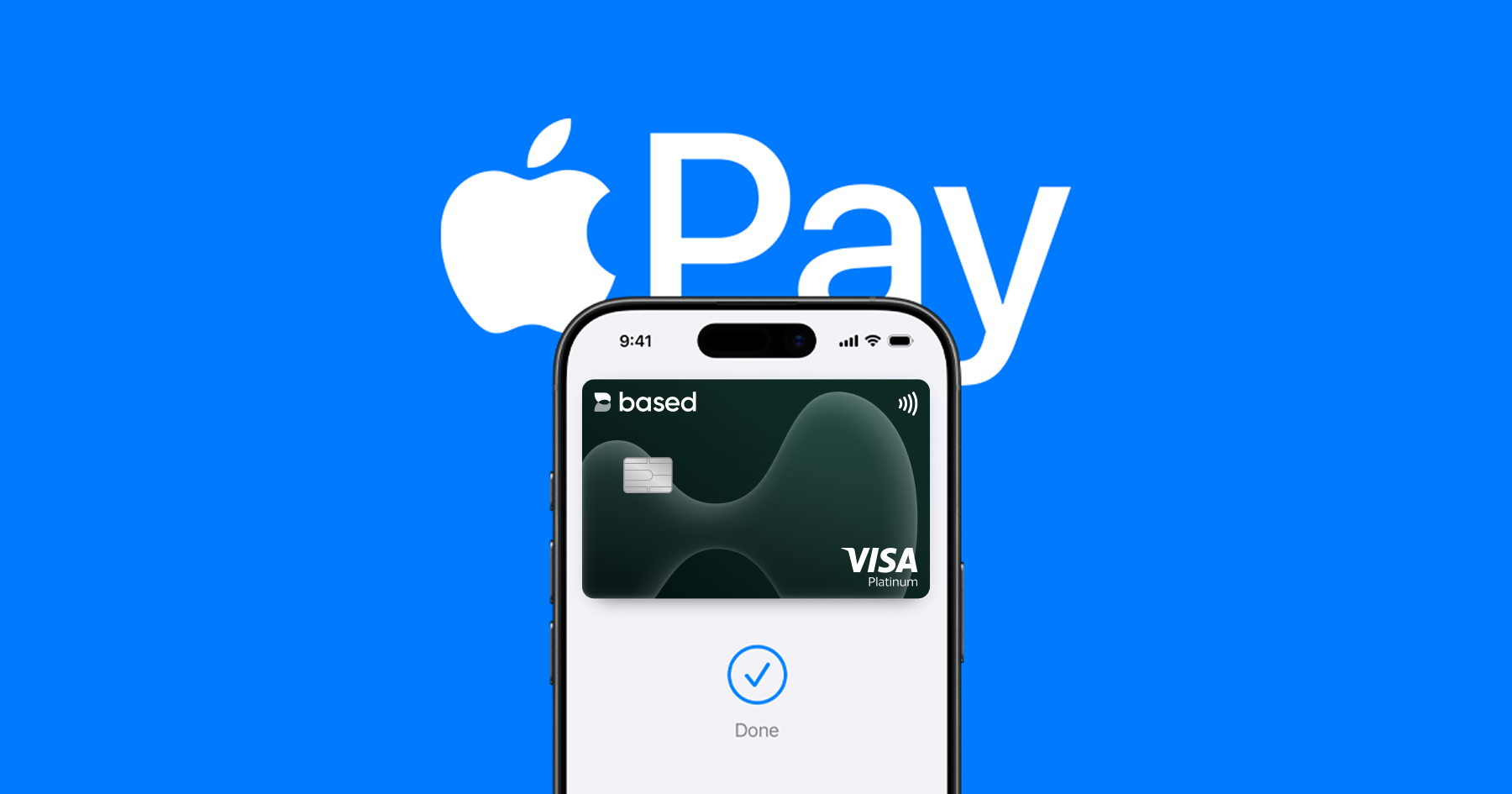
With Apple Pay, you can add your Based card to your iPhone and Apple Watch and pay quickly and securely. You will not need your physical card at checkout. Here is how to set it up in a few minutes.
What you will need
- An active Based card that is eligible for Apple Pay
- An iPhone or Apple Watch that supports Apple Pay and has the latest software installed
- iCloud signed in on your device with Face ID or Touch ID enabled and a passcode set
- The Based app installed
- Apple Pay available in your country or region
How to add your Based card to Apple Pay on iPhone
- Open the Based app and sign in.
- Go to the Cards section and select the Based card you want to add.
- Tap Add to Apple Wallet or Add to Apple Pay.
- Follow the instructions. You may need to verify your identity by SMS.
- Once you see the Done check mark in the Wallet app or Based app, your card is ready to use.
- To pay, double click the side button, authenticate with Face ID or Touch ID, then hold your device near the reader.
How to add your Based card to Apple Pay on Apple Watch
- On your iPhone, open the Watch app.
- Scroll to Wallet and Apple Pay, then tap Add Card.
- Select the Based card you already added to your iPhone.
- Follow the instructions. You may need to enter your card CVV.
- When the card appears in your Apple Watch Wallet app with a check mark, it is ready to use.
If you cannot add your card
- Check that your Based card is active and not blocked, expired or frozen
- Make sure your device supports Apple Pay and is updated
- Confirm Apple Pay is available in your region
- Close and reopen the Based app
- If you still see an error, contact Based support through the Based app
Frequently asked questions
Can I add a virtual Based card or a physical Based card?
Yes. As long as your Based card is active and eligible for Apple Pay in your region, you can add it.
Can I use Apple Pay with Based on all my Apple devices?
Yes. If your device supports Apple Pay, you can use your Based card on iPhone, Apple Watch, iPad and Mac.
Does adding my card to Apple Pay change my card benefits?
No. Your card benefits stay the same. Apple Pay simply makes payments faster and more secure.
What is the fastest fix for an error when adding my card?
Remove the Based card from Wallet and try adding it again. Also make sure your device software is up to date. You can contact Based support if the issue continues.
Ready to Get Your Card?
Stake $BASED to get your Visa card and start spending crypto at 70+ million merchants worldwide.